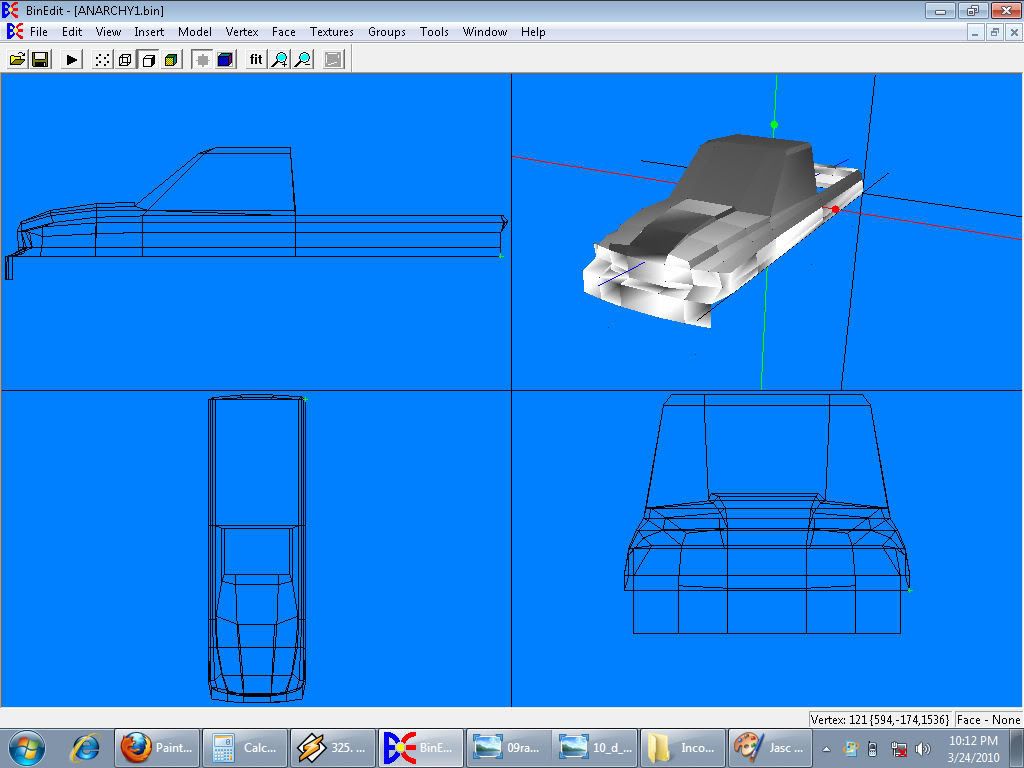
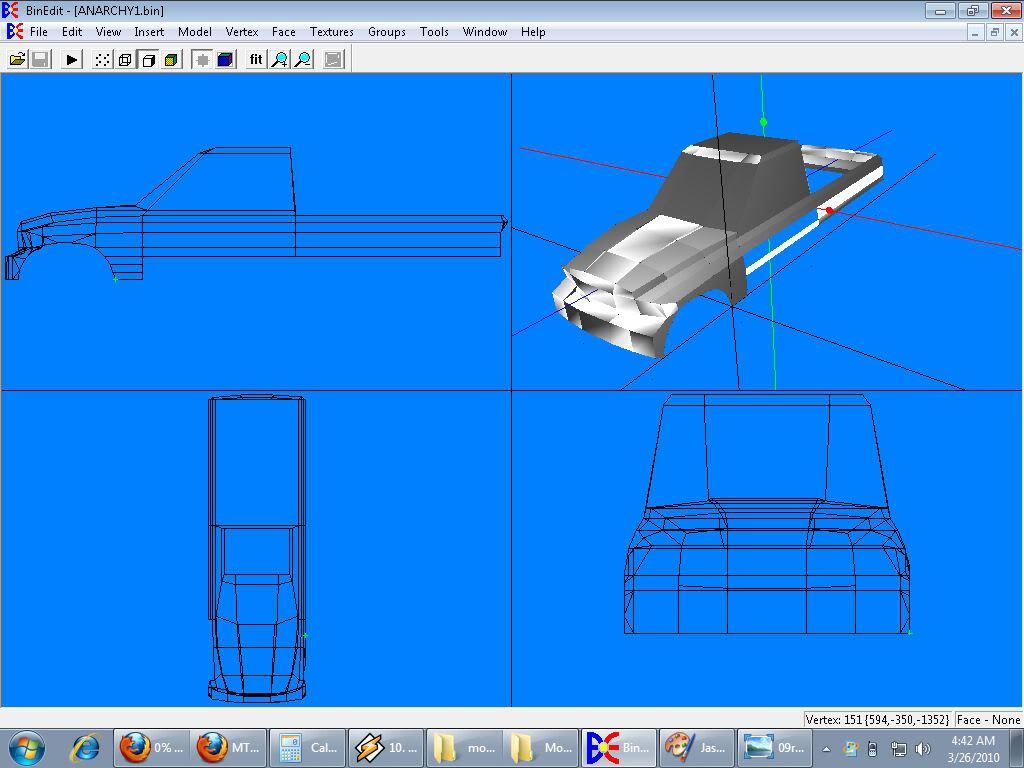
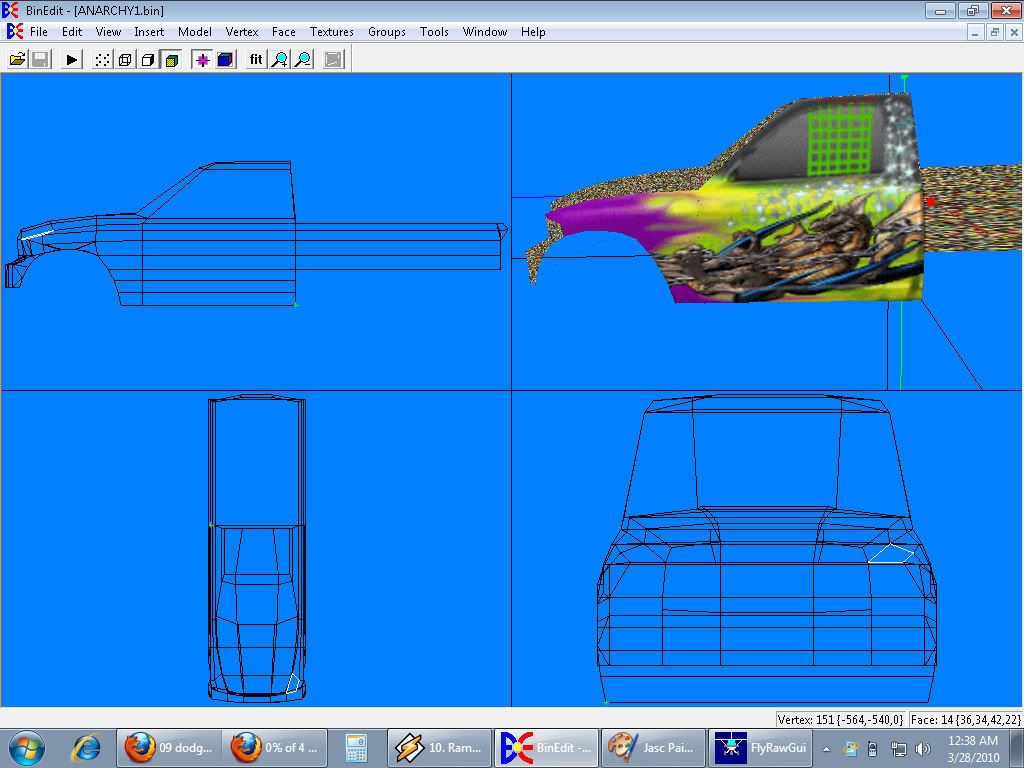
ok well here's what i got done so far as of last nite
managed to get the whole front end done which means all the meticilous body detail work is completed aside from the wheel wells. You know a comment i have about this project is leave it to me to pick the hardest "dern" bodystyle to do for my very first project ever. [:P]
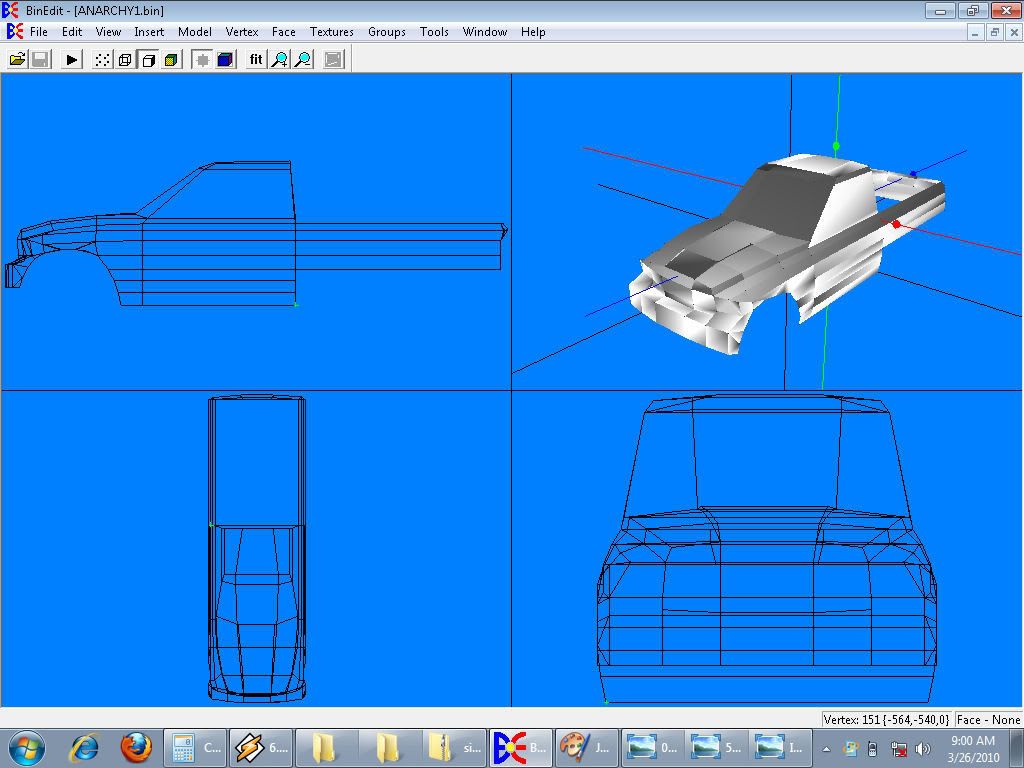
well another progress update... Managed to get the body panels done last nite and without further adue i give you the 2010 dodge body style DOOOOOOOGGGGGEEEEE AAAAANNNNNNNNAAAAAAARRRRRRRRCCCCCCHHHHHHYYYYYYYYYYYY !!!!
ps if a moderator could change the name of my forum thread to "anarchy's creation" i'd appreciate it.
see man i told you that it was wicked easy whats you knew what you were doin lol And MAN THAT THING IS LOOOKING GOOOOOOODDDD MAN [tu] [tu] [tu] [tu] [tu] [tu] [tu] [tu] [tu] [tu] [tu] [gah]
The five things you need for a successful freestyle run.....Torque, Speed, Ramp, Air, Land,.....repeat:)
TlathamXmahtalT wrote: Go to the first post and edit your post. Make the title whatever you want.
Thnks tlat. I know on some forums alot of ppl have it set so that only mods can change that stuff. Question though how do you guys get the beadlocks on the tires? I'm using the 3-d tire that was laying around in a scrap yard but i want to add a beadlock to it?
here man i'm not sure how to help you put beadlocks on a non beadlock tire but these are the tires that i used on my truck and they come with beadlocks of all different colors use the version 2 one cuz the textures are better i think in my opinion:)
The five things you need for a successful freestyle run.....Torque, Speed, Ramp, Air, Land,.....repeat:)
here man i'm not sure how to help you put beadlocks on a non beadlock tire but these are the tires that i used on my truck and they come with beadlocks of all different colors use the version 2 one cuz the textures are better i think in my opinion:)
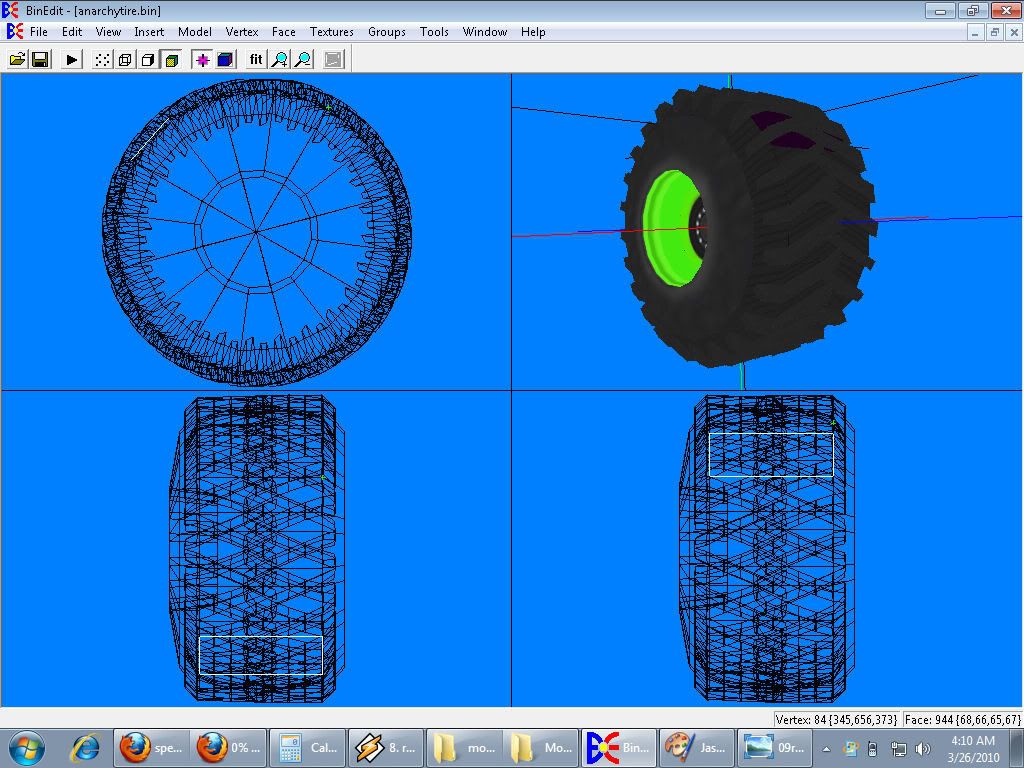
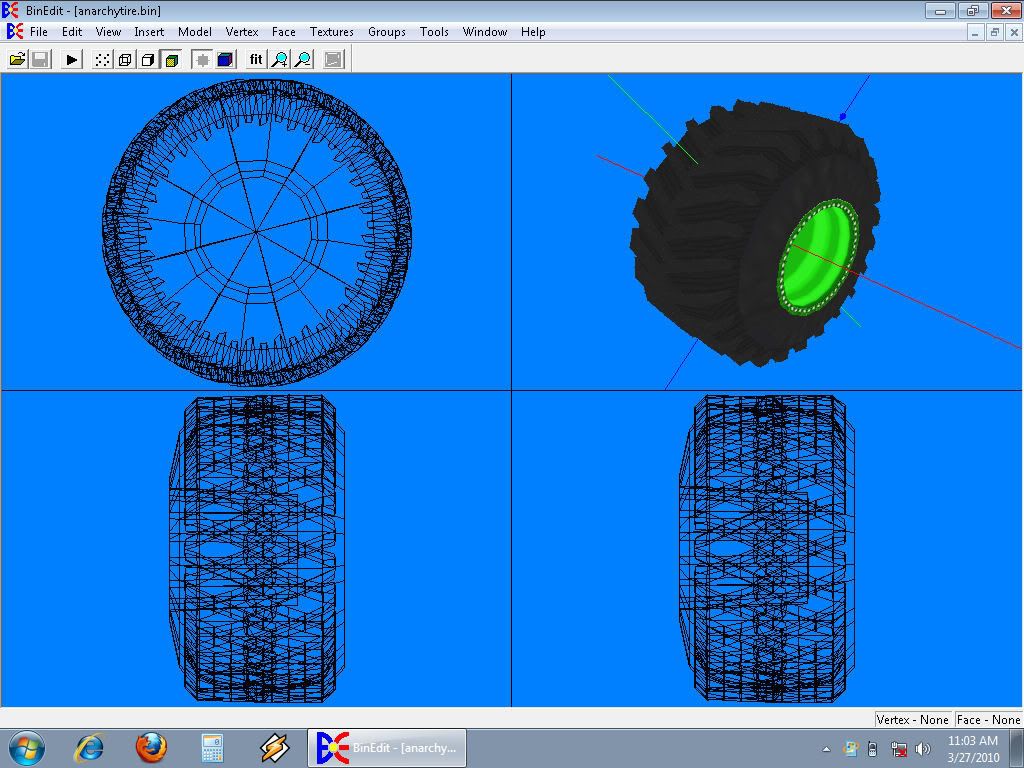
actually you did help me get a decent idea as to how though.... more tedious editing of the 3d tire. although then i could also just redo the textures and add em as a visual effect as well. hehe either way i'll make it work. Anyways here's the tires i'm re-texturing for it. As well as an update on how far i got.
I noticed you are not using the mirror feature in Binedit. If you build one side if a model that has two identical sides you can mirror the other side. To mirror a body building the passenger side is easier since that side is on the positive side of the X axis. Build the side like normal but end things like the grille, hood, roof, and tailgate at zero on the X axis. Then in the faces menu select all faces, then in the model menu select mirror, click the axis you want to mirror across ( X usually), then click the selected faces button, and then mirror copy, finally click OK and boom, a whole body.
Fat Brian wrote:I noticed you are not using the mirror feature in Binedit.
Yea i know. i like to do anything the first time the hard way I learn alot more if i don't take shortcuts. Well that and helps me hone my skills. [;)] And king i think i might use them to also include a low vert version. Weeeeelllll here's another update actually managed to get the back done and also the first 2/3's of the body's completed.
well i managed to make the tires i wanted "edited the model after saying "beep" it cause the textures were being a pain and just didn't look right. But now Binedits saying texture size not supported by mtm2 and it's 128x128 256 bit that i used for the bead locks. Does the textures always have to be 64x64? Just wondering cause im lost on that one anyways here's the finished tire after i edited it. Basically i re-mapped it to include the beadlock outer rim. Credit goes to LC for doing the tire. . . . .
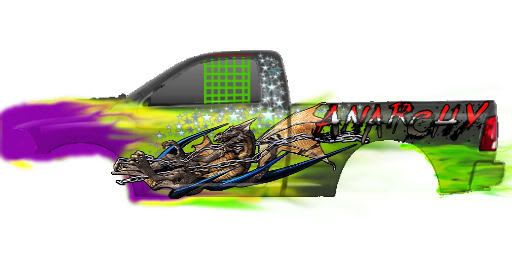
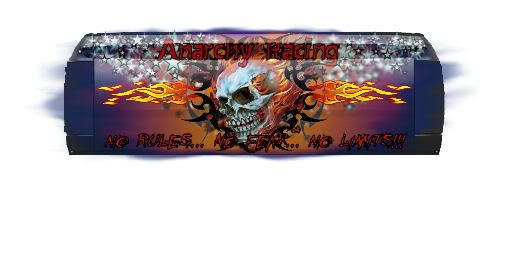
Well the first half is mapped and it's coming together. (nicely i might add. and here's how its looking. Oh and before i forget thnks to everyone for the comments and feedback. It's whats motivating me to hammer this thing out as good as it is so keep em coming plz