
going for broke and need minor help
-
somethin_evil_truck

- Member
- Posts: 33
- Joined: Wed Oct 07, 2009 11:56 am
going for broke and need minor help
ok so after my journey with figuring out how paint shop pro worked i have decided to start building my self a truck:) Now i am using pretty much everything from legwon's emporium and i have a frame with an already mounted motor and the body automatically lined up with the frame. Now here is my minor question. I have read the only tutorial that i could find and it couldn't really answer it, so how do you move stuff, like shocks tires axles, how do you get that out of the center of all the axis'. and the only other question i have is do you have to wait for the truck to be finished before you can paint it? those are my only questions and i can't wait to show all you guys my first truck:):)
The five things you need for a successful freestyle run.....Torque, Speed, Ramp, Air, Land,.....repeat:)
If you're talking about moving individual parts of the truck, use the tab key to cycle the vertices then press "V" to select the vertex. them go to models/ translate. from there, select "Selected Vertices", and then you can move the parts you've selected without opening the parts separately and then trying to position the models off the truck. Be sure to save the vertex groups so you can use them later if the need arises.
Admin of the MTM2 Draggers facebook page, find it here!
https://m.facebook.com/groups/337032006 ... =bookmarks
Nat Gage (She/They, pls)
I used to be PM Customs but now I'm taking meds for that ;)
https://m.facebook.com/groups/337032006 ... =bookmarks
Nat Gage (She/They, pls)
I used to be PM Customs but now I'm taking meds for that ;)
-
somethin_evil_truck
- Member
- Posts: 33
- Joined: Wed Oct 07, 2009 11:56 am
-
somethin_evil_truck
- Member
- Posts: 33
- Joined: Wed Oct 07, 2009 11:56 am
so here is my work in progress
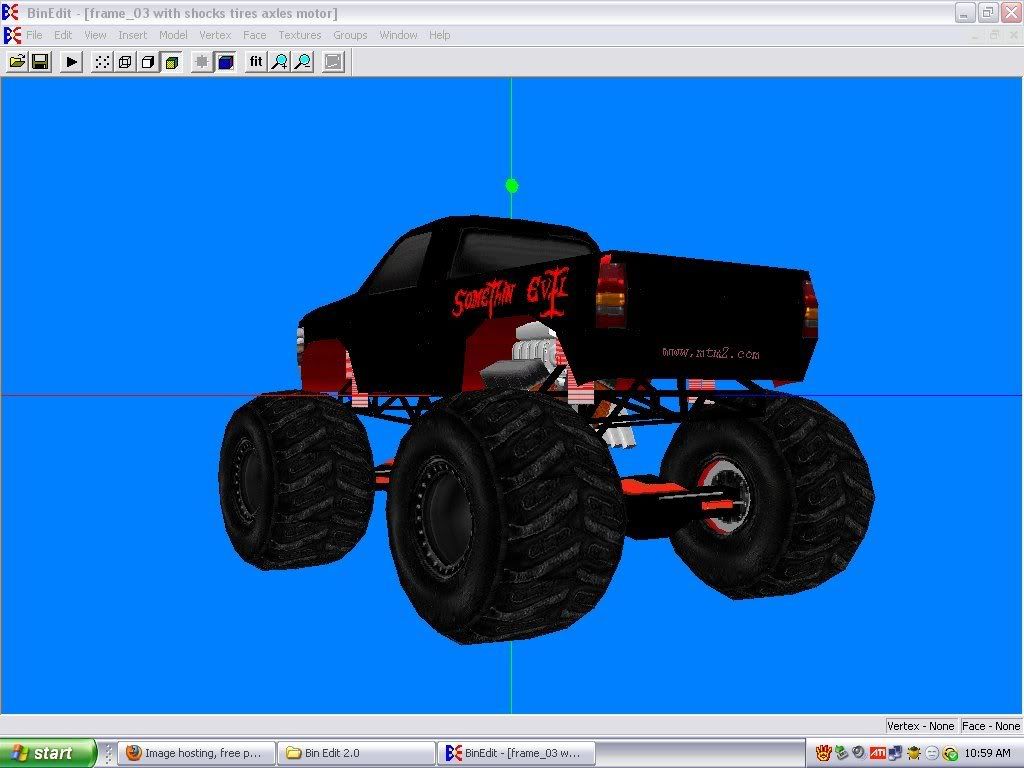
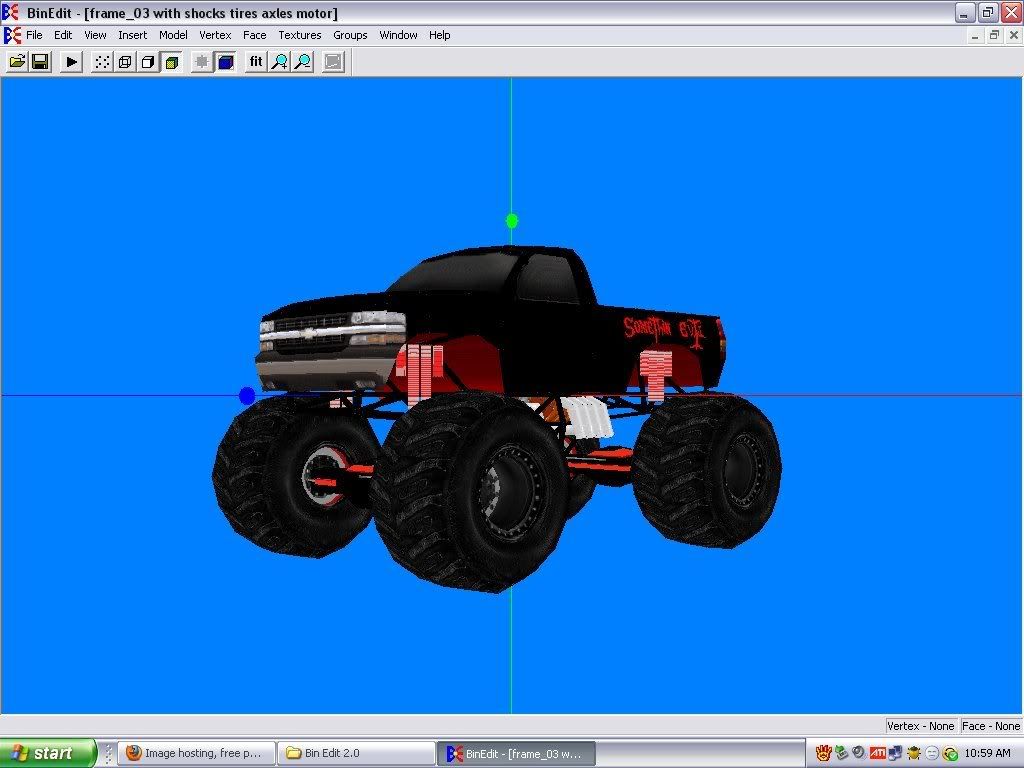
Phineus i hope that you are proud and all i need to do is finish paint then i need help with the shocks connecting to the axles, four link bars, and driveshafts like where do you get those or do they just load up automatically when you make the pod file?? as well as how do i color the four link bars??
Phineus i hope that you are proud
and all i need to do is finish paint then i need help with the shocks connecting to the axles, four link bars, and driveshafts like where do you get those or do they just load up automatically when you make the pod file?? as well as how do i color the four link bars??The five things you need for a successful freestyle run.....Torque, Speed, Ramp, Air, Land,.....repeat:)

-
TlathamXmahtalT

- Member
- Posts: 702
- Joined: Sun Jun 08, 2008 7:46 am
- Location: In BinEdit, using YOUR models.
- Contact:
-
somethin_evil_truck
- Member
- Posts: 33
- Joined: Wed Oct 07, 2009 11:56 am

Basically if you start with a model like that, look at it, decide what ya wanna save, and scroll thru the faces.. "spacebar" and delete... "X" what you want to go away. Be sure to delete vertices when yer done.
Save everything as seperate models. Then move it where ya want. It's possible to have like 20 seperate models saved, just to make one truck.
Nother place to go is Twisted Metal's place http://va2_twistedmetal.tripod.com/accessories.html
Shut yer Java off tho, you'll get pop up's from hell there, just warning ya.
Save everything as seperate models. Then move it where ya want. It's possible to have like 20 seperate models saved, just to make one truck.
Nother place to go is Twisted Metal's place http://va2_twistedmetal.tripod.com/accessories.html
Shut yer Java off tho, you'll get pop up's from hell there, just warning ya.
-
somethin_evil_truck
- Member
- Posts: 33
- Joined: Wed Oct 07, 2009 11:56 am
Well thank you everyone as you can see i have finally figured out the TRK editor thing:)
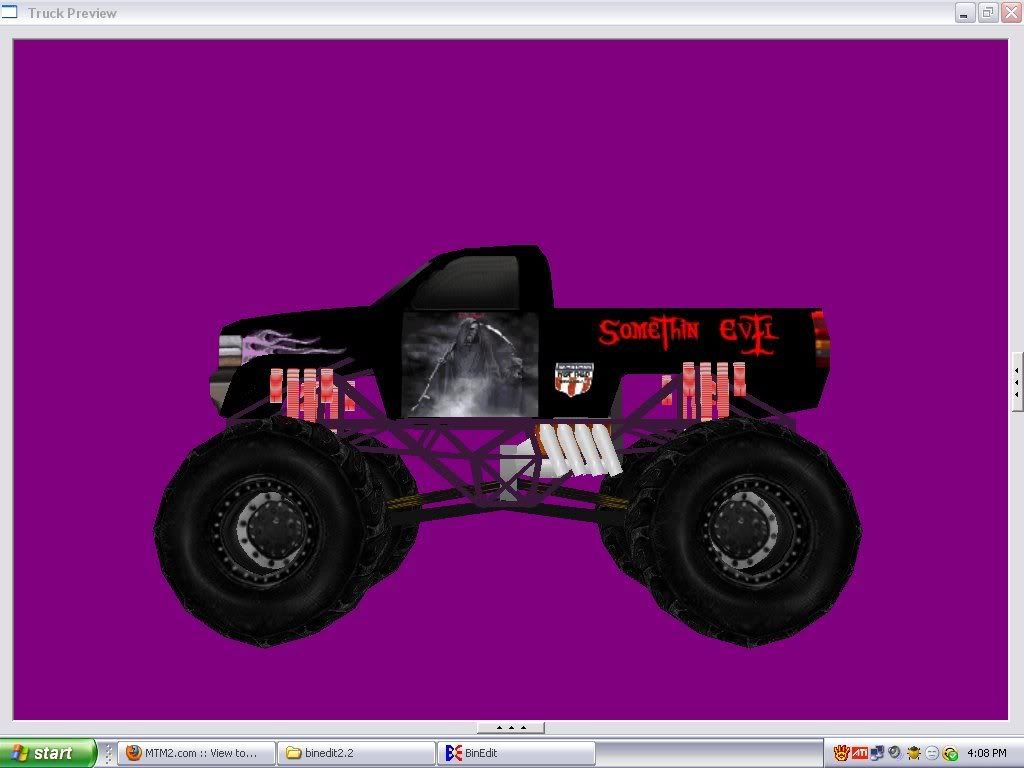
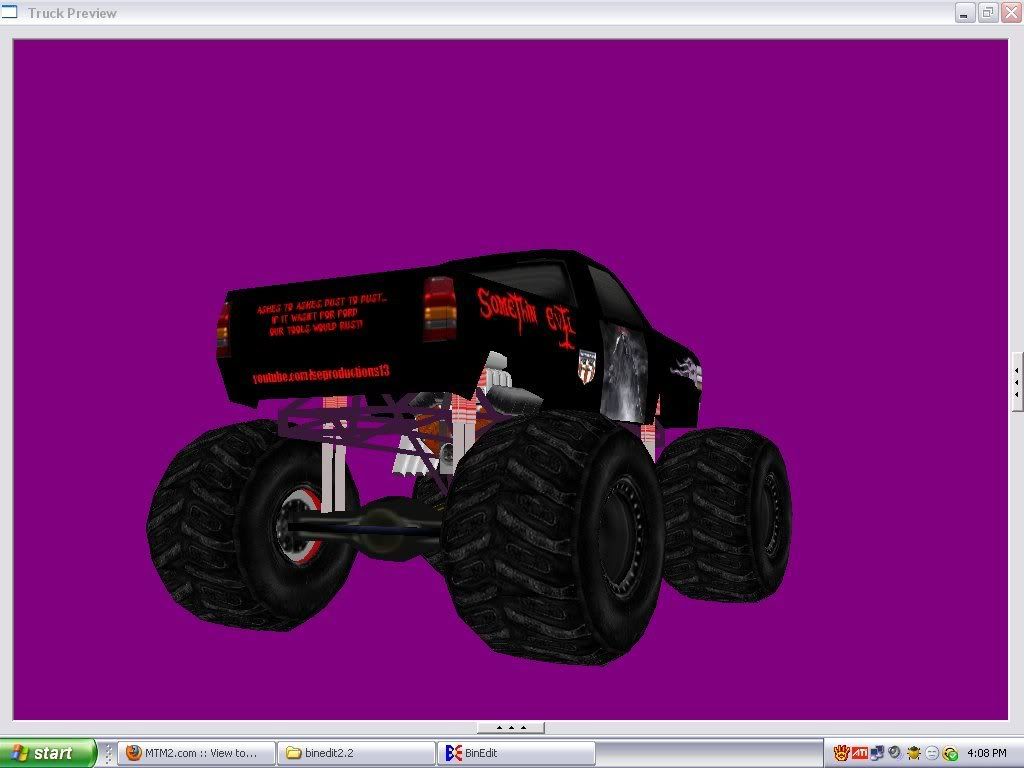
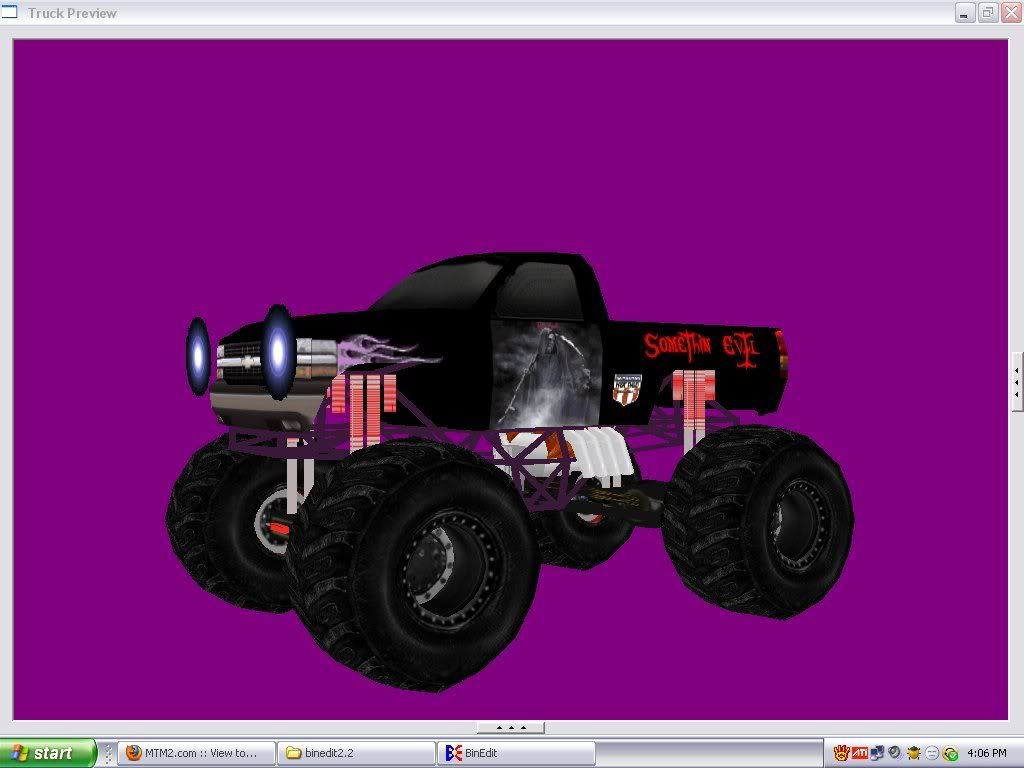
However whenever i go to pod it the tires and axles stay stock and i cannot figure out why idk if i am not putting something in the pod file right or at all. I also don't know really what has to go in the pod file. I have been putting all the .bin's, .raw's, .act's, and the trk file. Are those the right things or am i missing something??
However whenever i go to pod it the tires and axles stay stock and i cannot figure out why idk if i am not putting something in the pod file right or at all. I also don't know really what has to go in the pod file. I have been putting all the .bin's, .raw's, .act's, and the trk file. Are those the right things or am i missing something??
The five things you need for a successful freestyle run.....Torque, Speed, Ramp, Air, Land,.....repeat:)
somethin_evil_truck wrote:However whenever i go to pod it the tires and axles stay stock and i cannot figure out why idk if i am not putting something in the pod file right or at all.
Did you rename the files with something unique?
Have you road tested it in the game yet? Looks like you got it pretty good but the acid test is in game.I also don't know really what has to go in the pod file. I have been putting all the .bin's, .raw's, .act's, and the trk file. Are those the right things or am i missing something??
-
somethin_evil_truck
- Member
- Posts: 33
- Joined: Wed Oct 07, 2009 11:56 am
-
Blown_Steel

- Member
- Posts: 58
- Joined: Wed Jul 22, 2009 12:47 pm
- Location: Oregon

-
somethin_evil_truck
- Member
- Posts: 33
- Joined: Wed Oct 07, 2009 11:56 am
If you get that far and you wanna mess with it, go here:
http://va2_twistedmetal.tripod.com/lighting.html
TURN OFF JAVASCRIPT!
It's pop up hell. But you can get textures there for various light textures, if you wanna mess with adding lights to it, imo, a truck isnt done until it has lights.
I can show ya how to adjust em, and place em, aim em, make em flash, color em, whatever you want. I know race trucks dont have lights, but if its your own personal truck, and ya wanna get into the heart of truck building, lights are cool.
And... Legwon's isnt the only scrapyard, there's Twisted Metal's, just turn Java Script off, its a Tripod site, it'll hammer you with pop-ups, but go here: http://va2_twistedmetal.tripod.com/accessories.html
Thats where I used to shop...
http://va2_twistedmetal.tripod.com/lighting.html
TURN OFF JAVASCRIPT!
It's pop up hell. But you can get textures there for various light textures, if you wanna mess with adding lights to it, imo, a truck isnt done until it has lights.
I can show ya how to adjust em, and place em, aim em, make em flash, color em, whatever you want. I know race trucks dont have lights, but if its your own personal truck, and ya wanna get into the heart of truck building, lights are cool.
And... Legwon's isnt the only scrapyard, there's Twisted Metal's, just turn Java Script off, its a Tripod site, it'll hammer you with pop-ups, but go here: http://va2_twistedmetal.tripod.com/accessories.html
Thats where I used to shop...