hey guys, im making a track right now and im having problems with my grandstand. i made a transparent face for the poles and when i load up the test track i get this.
To fix it you need to cut the model in half, one half will be all the transparent faces and the other half will be all the solid faces. Save the two models and close. Open the transparent model then insert the solid faces model in that order then save under a new name, do not merge any verts after you've reassembled it.
ps, it's been a long time since i've dealt with this problem, so if the order I gave above doesn't work try reversing the assembly... solid first then transparent.
The reason for this anomaly is that mtm2 will display faces in the order they were created, and i've fixed many models this way from evo, and also the grandstand models I made for OCIR.


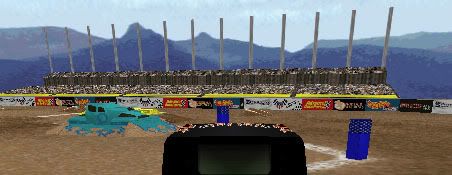
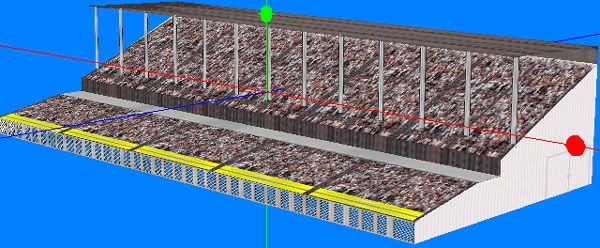

 . an yes it was the opposite of what you said to do lol.