mtm2 and other sensible chat
Disposable
Member
Posts: 142 Joined: Wed Jun 13, 2007 9:25 amLocation: South Wales. UK.
Post
by Disposable Fri Aug 24, 2007 8:21 pm
I had to re-install MTM2, and I forget how I enable the secret track "Torture Pit".
I remember it was something to do with running another track, and taking a secret shortcut?
Will someone please jog my memory on this!
white2098
Member
Posts: 496 Joined: Sun Nov 03, 2002 2:01 pmLocation: carmel, california, usa
Post
by white2098 Fri Aug 24, 2007 8:24 pm
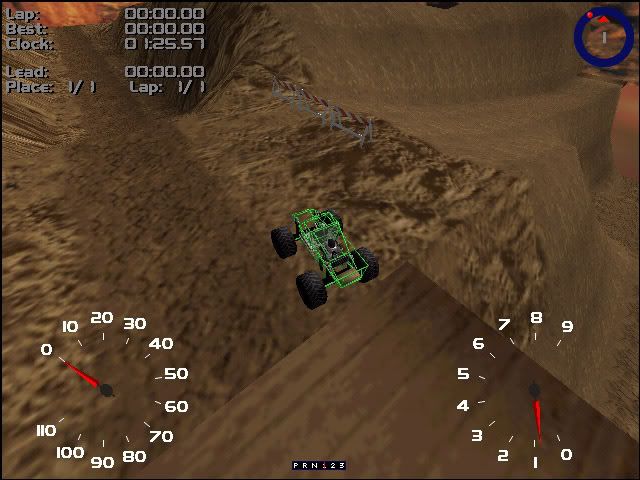
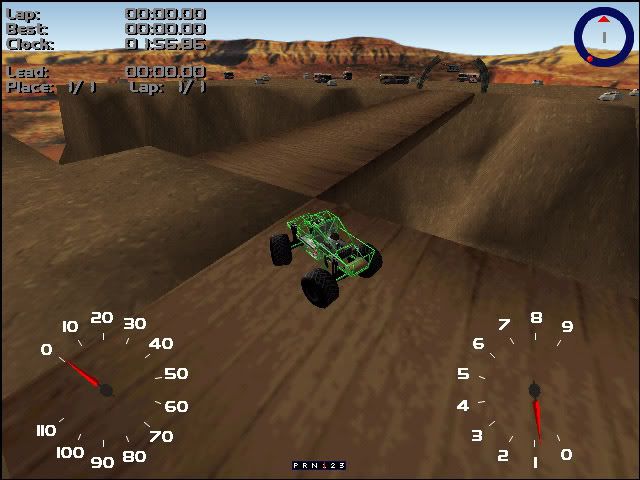
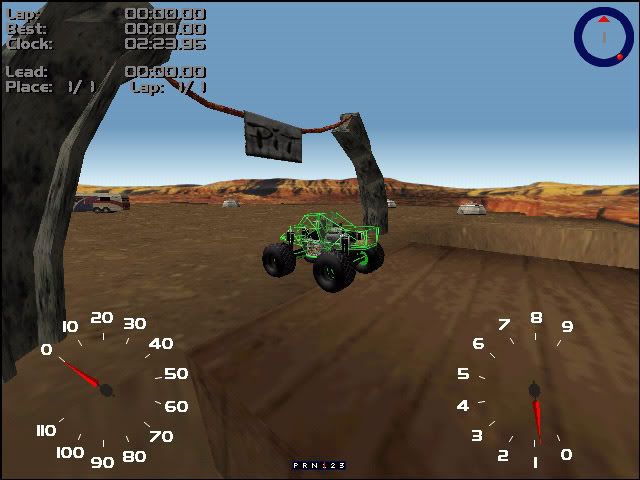
on that canyon track, go to where all the motor homes are parked in the camp site and drive under the sign at the end of the bridge.
Phineus
Glow Ball
Posts: 24 Joined: Tue Feb 02, 1999 7:00 pm
Post
by Phineus Fri Aug 24, 2007 8:29 pm
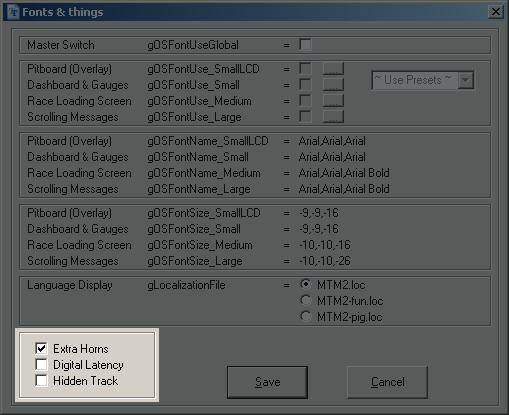
If you use cowpod, goto the fonts page and you can enable/disable it there.
white2098
Member
Posts: 496 Joined: Sun Nov 03, 2002 2:01 pmLocation: carmel, california, usa
Post
by white2098 Fri Aug 24, 2007 8:32 pm
that's no fun though [(-:]
Disposable
Member
Posts: 142 Joined: Wed Jun 13, 2007 9:25 amLocation: South Wales. UK.
Post
by Disposable Fri Aug 24, 2007 8:42 pm
Sorry! I must be a bit thick.....Could you be a bit more specific regarding the track and the detour please?
Disposable
Member
Posts: 142 Joined: Wed Jun 13, 2007 9:25 amLocation: South Wales. UK.
Post
by Disposable Fri Aug 24, 2007 9:22 pm
Now that is what you call a reminder!
Thanks white2098.
Malibu350
easy company
Posts: 2036 Joined: Tue Feb 29, 2000 2:01 pm
Contact:
Post
by Malibu350 Sat Aug 25, 2007 2:10 am
I enter everything manually into the Pod.ini.
The pod.ini just lists the tracks mounted and ready to go on holiday. The monster.ini is what you need to open the hidden track manually.
> showHiddenTrack=0 *poof*
Disposable
Member
Posts: 142 Joined: Wed Jun 13, 2007 9:25 amLocation: South Wales. UK.
Post
by Disposable Sat Aug 25, 2007 6:03 am
Altering the Monster.ini to read showHiddenTrack=1 does not reveal the hidden track.
Phineus
Glow Ball
Posts: 24 Joined: Tue Feb 02, 1999 7:00 pm
Post
by Phineus Sat Aug 25, 2007 8:21 am
Yess, 666 is the magic number. And yes, white's route is the correct way to go. And whether you edit pod.ini manually or not, it doesn't get much easier than this:
http://mtm2.com/~mtmg/cowpod/monster.shtml
Fila
Member
Posts: 1462 Joined: Mon Jul 02, 2001 2:01 pmLocation: Lost in Translation
Contact:
Post
by Fila Sat Aug 25, 2007 12:32 pm
Sheesh Phin you are such a party pooper.
ShadowPrincess
Gone Walkabout
Posts: 665 Joined: Tue Jan 25, 2005 10:35 am
Contact:
Post
by ShadowPrincess Mon Aug 27, 2007 4:48 am
I remember unlocking this way back when, we all had a fun time indeed around that track White, and then torture pit.
Disposable
Member
Posts: 142 Joined: Wed Jun 13, 2007 9:25 amLocation: South Wales. UK.
Post
by Disposable Mon Aug 27, 2007 7:02 am
Thanks everyone, all sorted!





 Thanks white2098.